EVENTS · BOOKINGS · COMMUNITY
Bring your events to life. Bring yourevents to life. Pause animation
Publish events. Take bookings. Welcome your community.
⌕ Search events
Search
Ask Compass
Today Next 7 days Next 30 days Clear dates
Start date Select start
End date Select end
Hi! What would you like to do? Tell me what interests you, or ask about an event. We can narrow it down together.
Start typing for instant results, or choose dates above.
Copy link to this search
Load more results
Explore CalendarWP in action. Switch views or open an event for the full details.
ONE CALENDAR. MORE POSSIBILITIES.
From “ what’ s on?” “ count me in.” 01 / PUBLISH A home for what’s happening. One-time events, recurring schedules, venues and organizers. Display them in calendars, lists, cards and agendas.
Explore the calendar → 02 / BOOK Availability becomes opportunity. Appointments, classes and reservations, with a clear path from choosing a time to a confirmed booking.
Meet Scheduler → 03 / CONNECT Let your community contribute. Give members a place to submit and manage events. Review submissions and offer optional listing packages.
Explore Community Events → NINE NEW POSSIBILITIES
A calendar. From the first search to the next booking. Meet the nine add-ons taking CalendarWP further.
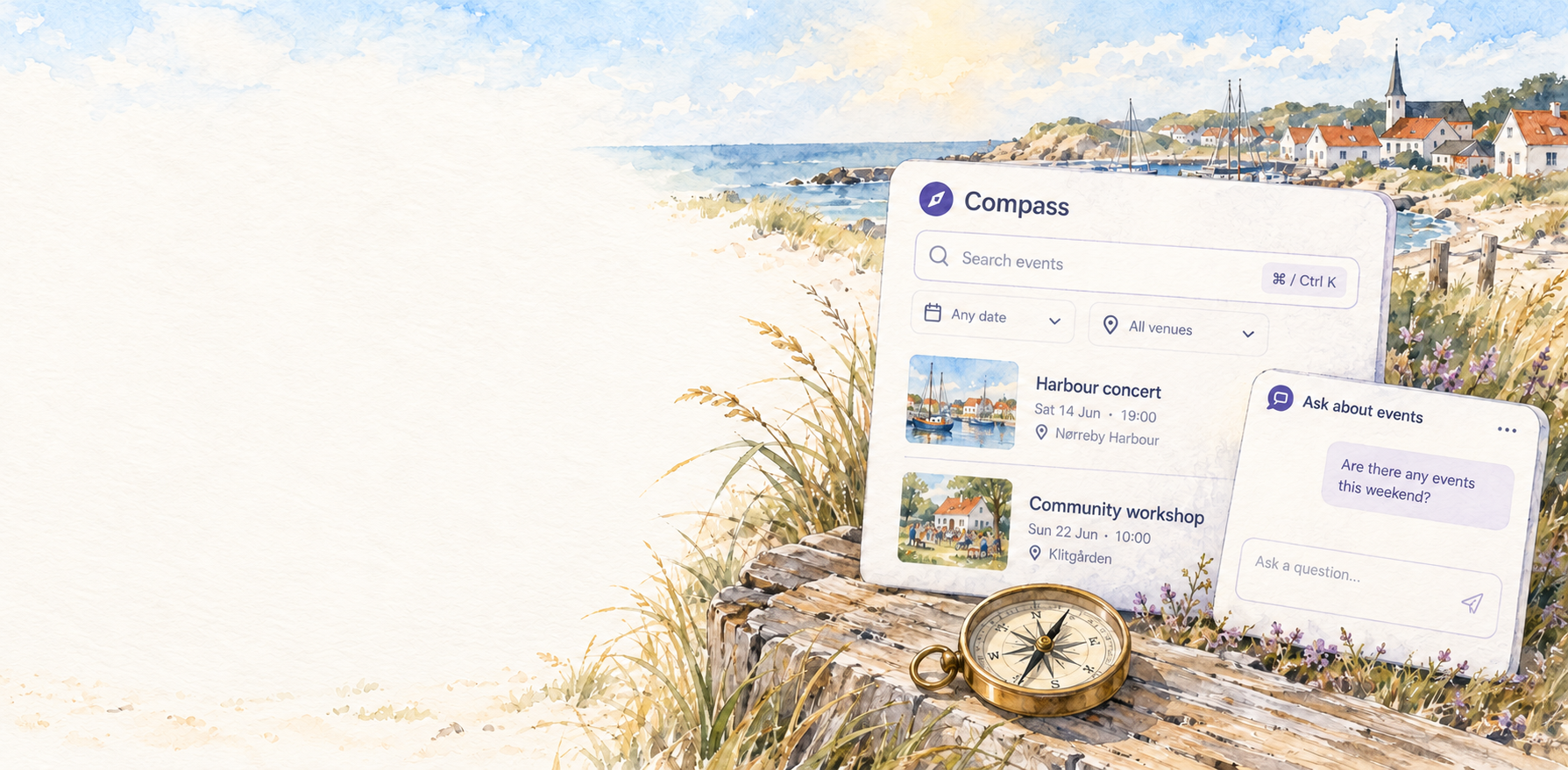
02 / Compass
Help people find their next “ count me in.” Give visitors a direct way to search your event content, with optional AI conversations for supported questions.
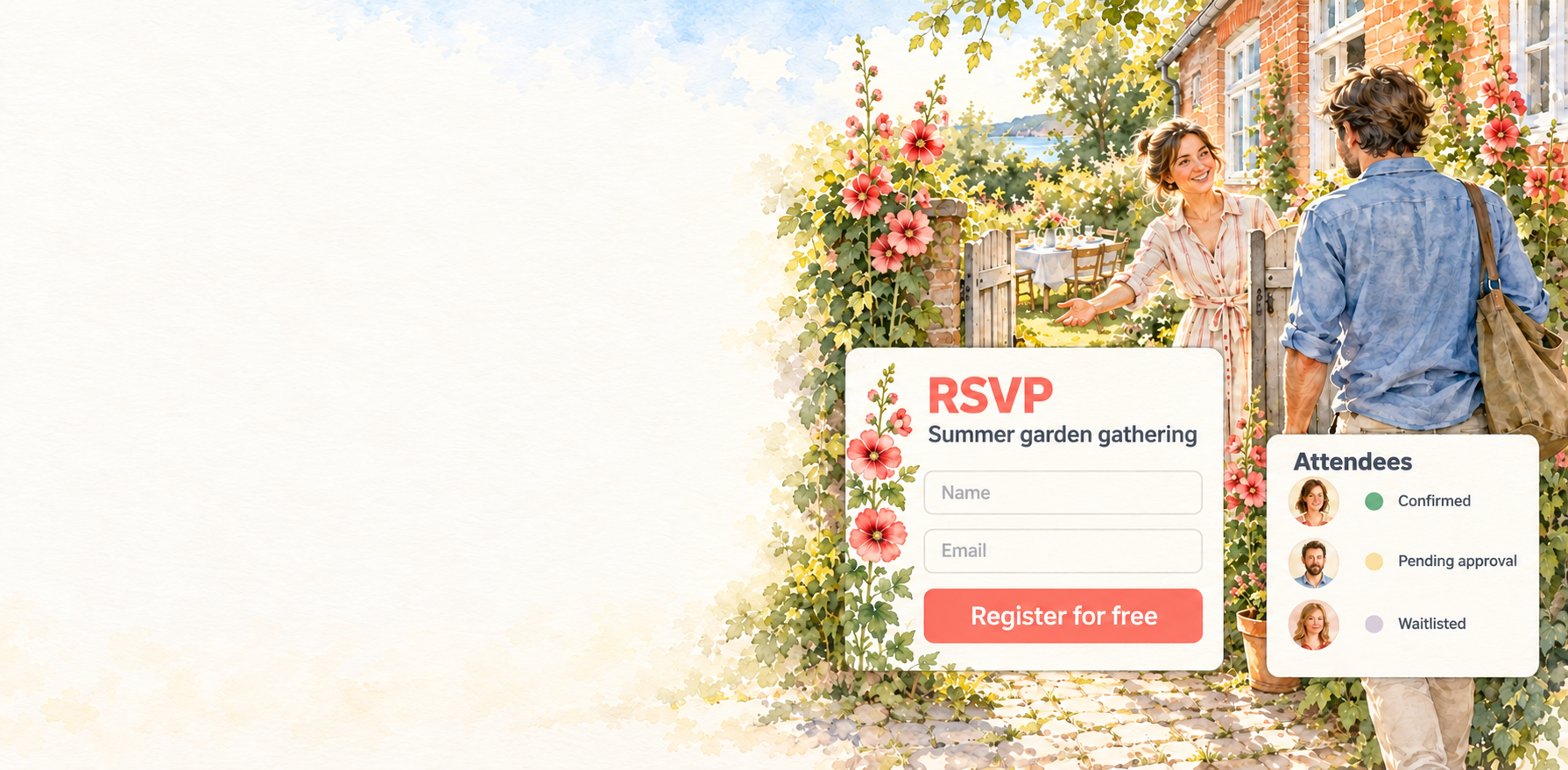
Explore Compass 03 / RSVP
Turn “ I’ m interested” into “ I’ ll be there.” Collect free registrations and keep attendance organized for the events you publish.
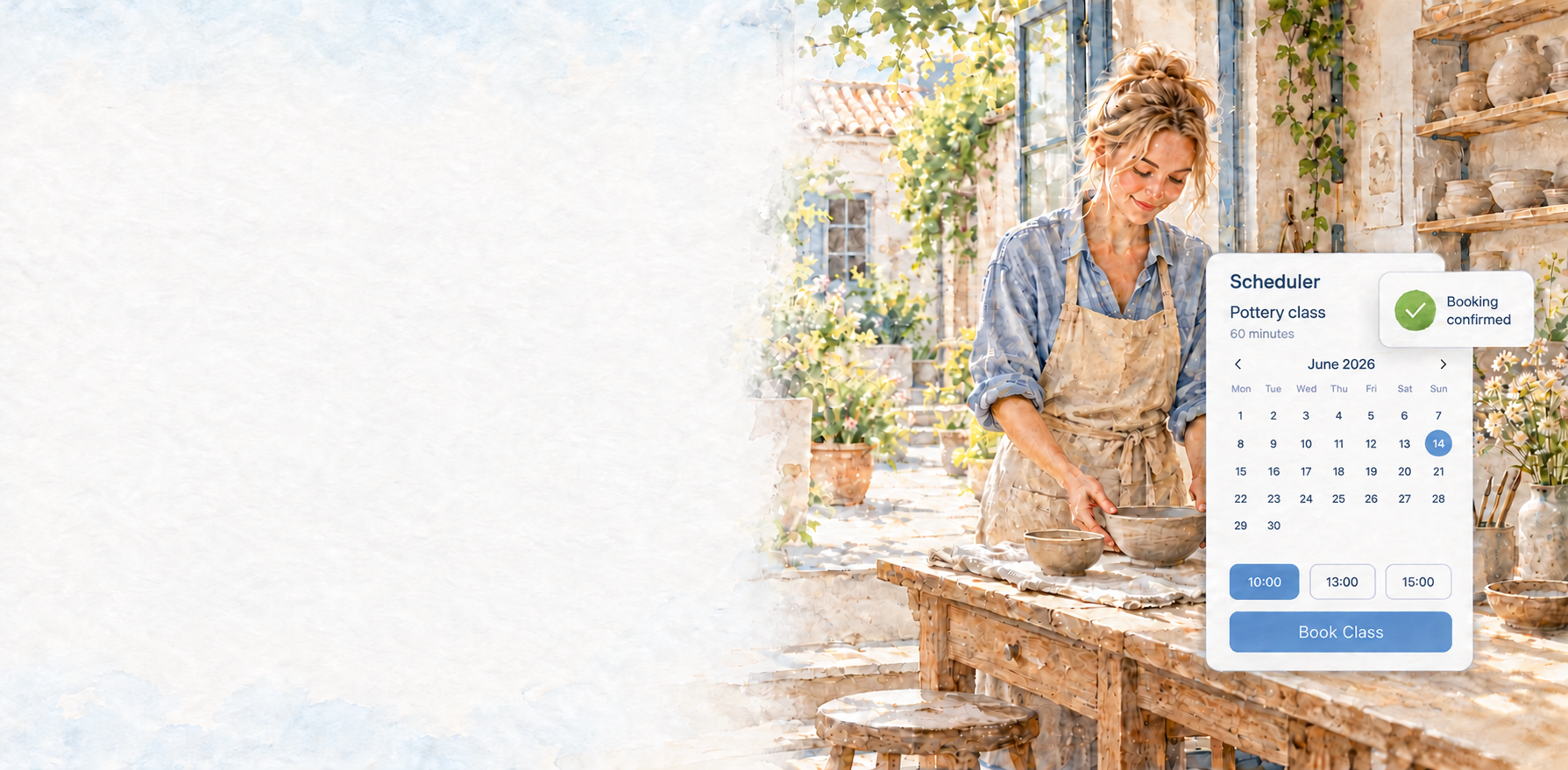
Explore RSVP 04 / Scheduler
Turn free time into booked time. Offer appointments, classes and reservations with a booking flow that starts with your availability.
Explore Scheduler 05 / Event Gallery
Show the moments worth showing up for. Add a dedicated photo gallery to an event so visitors can see what to expect.
Explore Event Gallery 06 / Event Countdown
Make the next big thing feel closer. Show visitors the time remaining until their selected event occurrence.
Explore Event Countdown 07 / Events Map
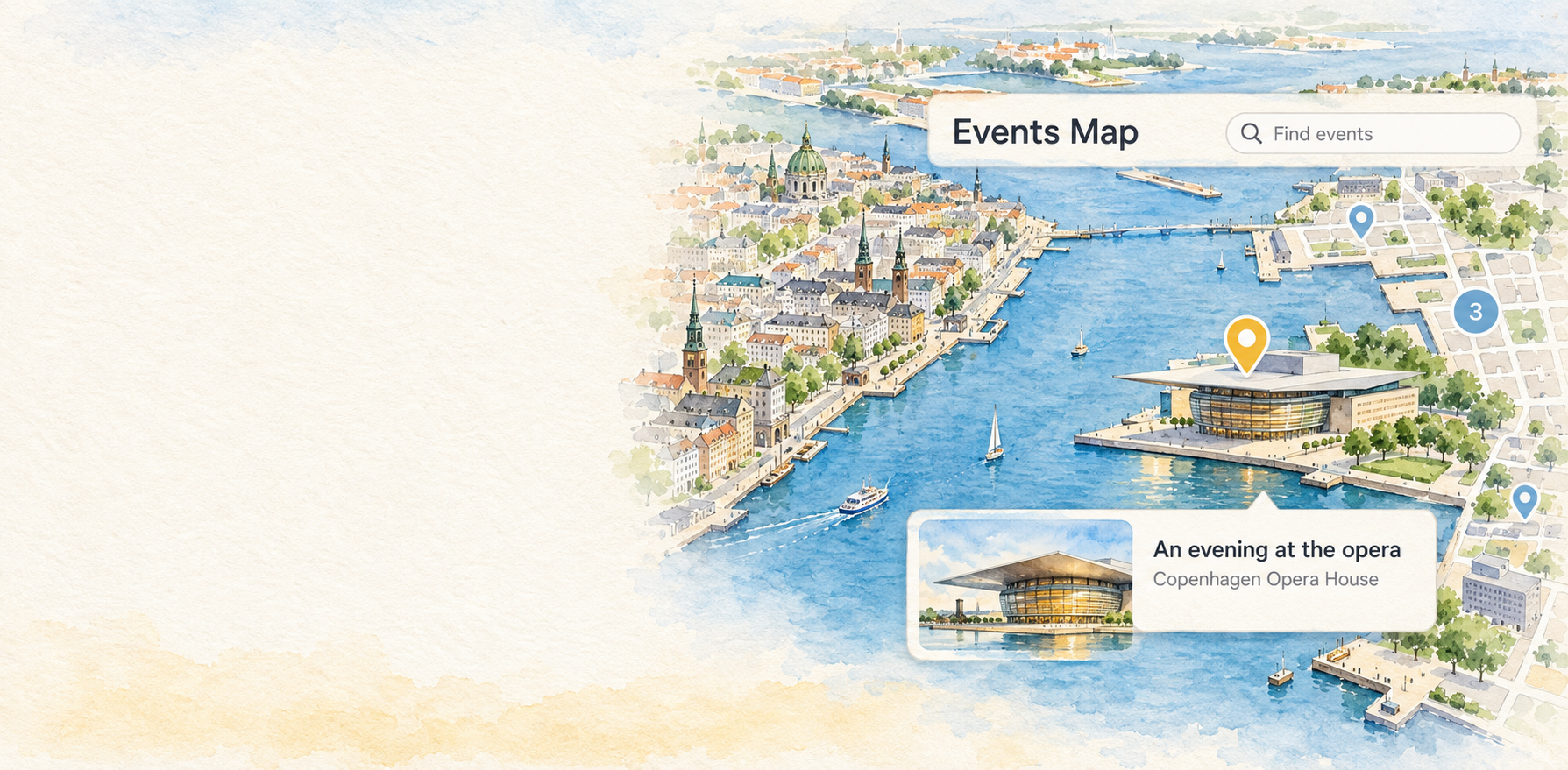
Put your events on the map. Let visitors explore events by venue and location, with maps alongside the information they need.
Explore Events Map 08 / Personal Calendars
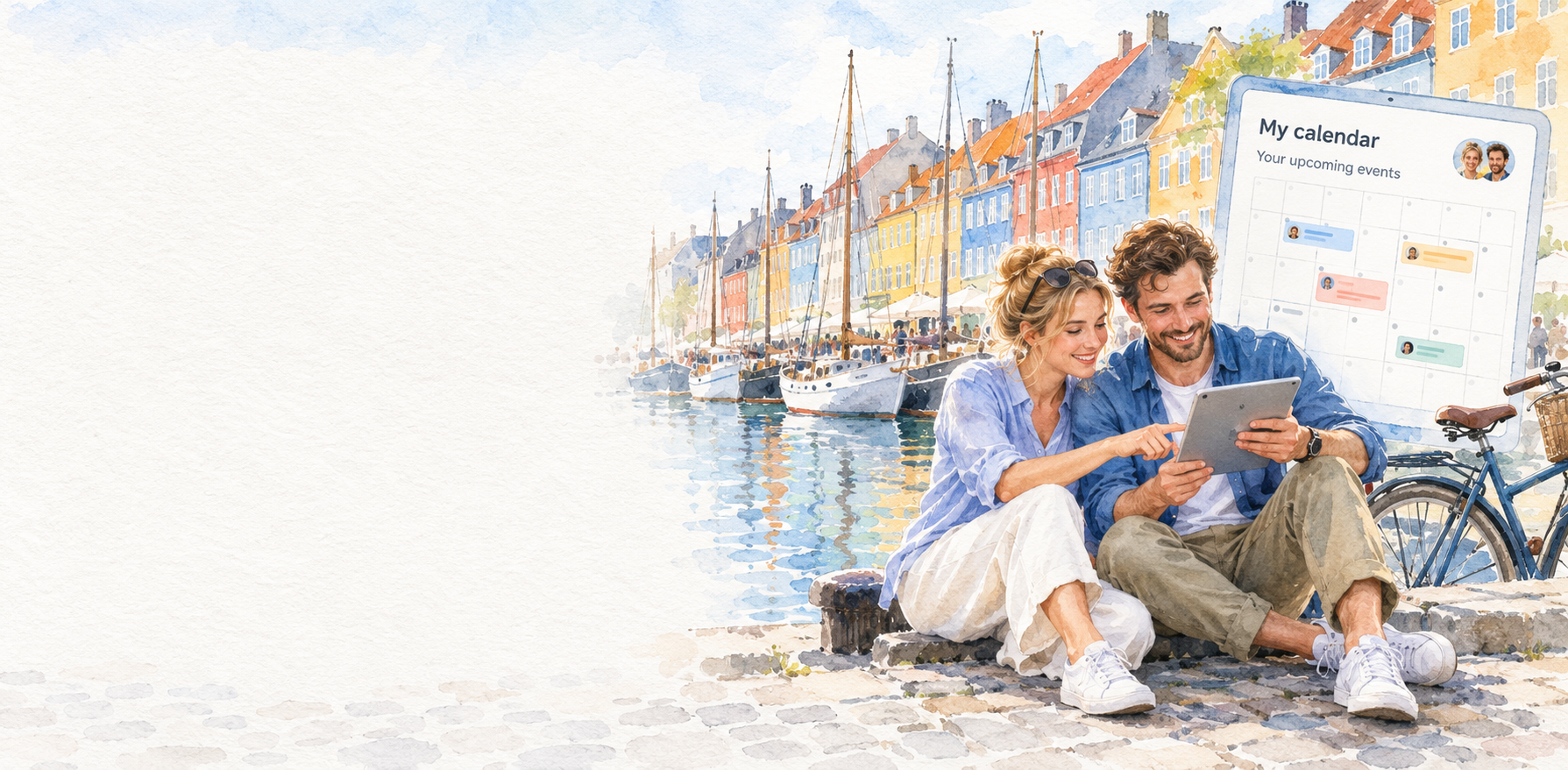
The right events for the right people. Show signed-in users the events assigned to them in a dedicated personal calendar.
Explore Personal Calendars 09 / Google Calendar Sync
Bring your Google events into WordPress. Import events from Google Calendar so your website can display the schedule you already maintain.
Explore Google Calendar Sync
FOR CALENDARIZE IT! CUSTOMERS
Your calendar has a history. Calendarize it! is now CalendarWP. Keep your valid Item Purchase Code and upgrade for FREE, with a modern core and four included add-ons. Five optional paid extensions are available separately. Your existing purchase takes you forward.
Start your free migration ↗ THE LAUNCH OFFER
$49 USD for the first 60 days after public launch.Then $89 USD. The introductory offer for your next website.
See what’s included ↗